
Video components
Inside a scene, plain Markdown already moves (see
how Neko schedules a scene). The
components below are ::: name containers for the shots Markdown alone can't
describe: a number counting up, a chart growing, code typing itself, a cursor
clicking. They are the Neko take on the building blocks of
HyperFrames' registry, written as
Markdown rather than as HTML and GSAP.
They claim their names only inside a video, so ::: card or ::: quote
elsewhere in your docs is unaffected. Every component takes the
timing attributes (enter,
at, dur, exit, until, …) on its own fence.
Titles and kinetic text
lockup — the title card
The kicker rises, the headline settles word by word, a hairline rule draws under it, the label fades in.
::: lockup {kicker="Neko video mode" label="A tour of the components"}
# Motion, *from Markdown*
:::
| Attribute | Meaning |
|---|---|
kicker |
The small mono line above the headline. |
label |
The line under the rule. |
swap — a word that rolls
A fixed line with one slot that rolls through its words and lands on the last. The slot eases to each word's width, so the line closes up behind a short word.
::: swap {prefix="Neko builds" words="docs|decks|documents|video" suffix="." hold="0.9"}
:::
| Attribute | Meaning |
|---|---|
words |
The words, separated by \|. The last one stays. |
prefix / suffix |
The fixed text either side. Punctuation closes up against the slot. |
hold |
Seconds each word holds. Default 0.9. |
tag |
h1, h2 (default), h3 or p. |
typewriter and scramble
typewriter types every line inside it in behind a caret; scramble decodes
them from random glyphs, left to right. Both are deterministic: the same frame
always shows the same glyphs.
::: typewriter
neko render tour.md --quality high
:::

::: scramble
RENDERED FRAME BY FRAME
:::
Any heading or paragraph can do the same with {enter="type"} or
{enter="scramble"}; {enter="letters"} cascades a word in letter by letter.
callout
One line, set huge in the accent, slammed in.
::: callout
30 fps.
:::
Highlights
==text== in any paragraph or heading draws a highlight under the words as
they arrive — a marker sweep in neko, a Signal underline in curiosity.
Numbers and data
counter
Counts up, lands exactly on the value and pulses once.
::: counter {value="98%" label="Ready to ship"}
One line under the label.
:::
| Attribute | Meaning |
|---|---|
value |
The value as displayed: 1,250, $4.2M, 98.6%, 3x. Prefix, decimals, thousands separators and suffix are read from it. |
to / from / prefix / suffix / decimals |
The long form. from defaults to 0. |
label |
The line under (or, in the curiosity number layout, beside) the figure. |
count-dur |
Seconds the count takes. Default 1.6. |
stats and stat
A row of cards whose numbers count up in turn.
::::: stats {count="3"}
::: stat {value="1,062" label="Frames"}
:::
::: stat {value="35.4s" label="Running time"}
:::
::: stat {value="9" label="Scenes"}
:::
:::::
chart
Data from a bullet list (- Label: value) or a two-column table. Put * after
a value to call that one datum out in the accent.
::: chart {type="bar" title="Seconds to render, by scene" unit="s"}
- Cover: 3.1
- Code: 4.2
- Chart: 3.6 *
:::
type |
What moves |
|---|---|
bar (default) |
Bars grow one after another; their values count up and rise with them. |
hbar |
Rows grow left to right with their values. |
line |
Grid lines draw, the line draws across, the points pop in with their values. |
donut |
Segments draw round in turn; the called-out datum counts up in the centre; the legend fades in. |
| Attribute | Meaning |
|---|---|
title / caption |
Text above and below the chart. |
unit |
Suffix for values that have none (s, %, fps). |
max |
The value at the top of the scale. Defaults to the largest value. |
Code and terminals
code
An editor window around a fenced block. With typing on (the default) the code
types itself in behind a caret, at speed seconds per character; highlighting
is highlight.js', applied before the first frame.
:::: code {file="Program.cs" speed="0.025"}
```csharp
var app = WebApplication.Create(args);
app.MapGet("/", () => "Hello");
app.Run();
```
::::
Use a longer outer fence (::::) whenever the code itself contains :::.
typing="false" shows the editor without typing. A bare fenced block in a scene
is the same editor, without the title bar, and rises in like a paragraph.
terminal
Lines starting with $ (or > ) are commands and type themselves in; the
lines after a command are its output and appear one by one once it "runs".
Output lines starting with ✓ are marked as a success, ✗ or ! as an error.
::: terminal {title="neko render"}
```bash
$ neko render video.md
Capturing 942 frames with Chromium (4 workers)
✓ Wrote video.mp4 (6.2 MB)
```
:::
Frames and pointers
browser, window, phone
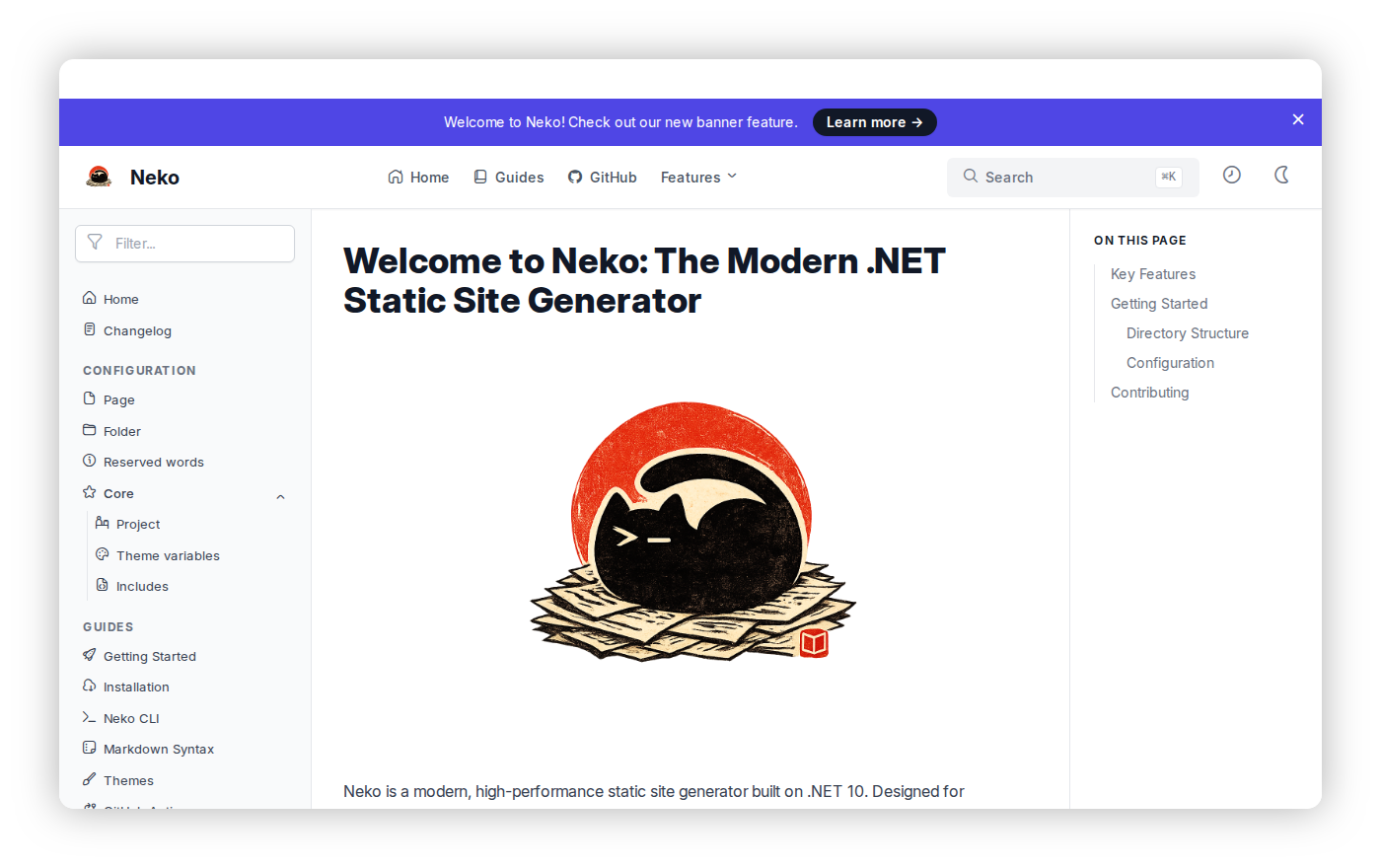
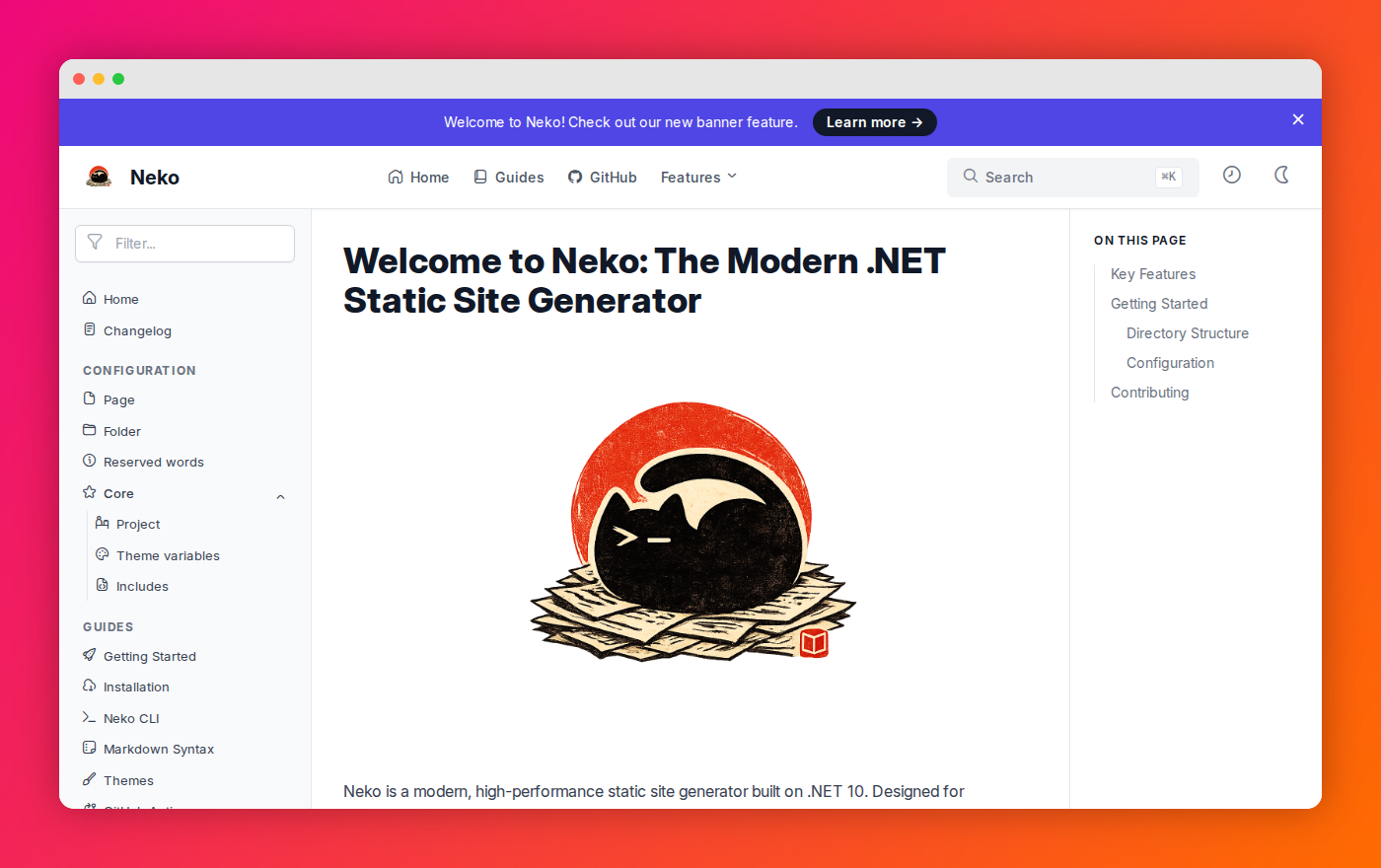
A device that settles in, with whatever you write inside as its screen — a screenshot, or Markdown.
::: browser {url="localhost:5000/videos"}
:::
::: phone
{enter="kenburns"}
:::
browser draws an address bar (url); window a title bar (title); phone
a notch and rounded bezel. {enter="kenburns"} on a screenshot gives it a slow
push across the scene.
cursor
The oversized pointer: it enters from off-frame, travels to its target, taps — a press and a ring — and the beat that follows can land on the click.
::: cursor {from="105%,95%" to="52%,58%" label="Scrub any frame" at="1.6"}
:::
| Attribute | Meaning |
|---|---|
from / to |
Start and end, as x%,y% of the canvas. Start off-frame (105%) so it enters. |
path |
More than two points: "105%,90% 60%,40% 52%,58%". |
click |
false for no press. |
label |
A pill trailing the pointer. |
dur |
Seconds of travel. Default 1.2. |
Overlays
lower-third
The card wipes in, its accent tab grows, the name and role rise. It sits at the bottom left, above any captions.
::: lower-third {name="Ada Lovelace" role="Analytical Engines" at="1.2" until="5"}
:::
captions
One line per caption, each with its time on the scene's clock — start text or
start-end text. Each line shows for its window, and its words light up as
they are spoken (spread evenly over the line). Captions are an overlay at the
foot of the frame, never a reserved band.
::: captions {style="pill"}
0.6-2.4 Every frame is a screenshot of the page
2.5-4.6 seeked to its exact time.
:::
style is rail (default: plain text with a shadow), pill (a dark pill, the
active word in the accent) or highlight (the active word on an accent block).
Arrangements
quote
The quote reads in word by word at reading pace; the attribution settles after.
::: quote {author="A documentation team" role="Shipping weekly"}
We stopped exporting slides to screen recordings.
:::
steps and checklist
steps numbers an ordered list and brings each step in on its own beat;
checklist ticks each item's box as it arrives.
::: steps
1. **Write** scenes in one Markdown file.
2. **Preview** them with neko watch.
3. **Render** an MP4 with neko render.
:::

::: checklist
- Titles, swaps and typewriters
- Counters, stats and charts
:::
grid and card, cols and col, box, stack
grid {count="3"} lays its cards out in columns; each card (title, icon,
label) rises in turn and its content follows. cols / col place free
Markdown side by side, box is a bordered panel, stack a vertical group.
::::: grid {count="3"}
::: card {title="Kinetic text" icon="text"}
Words rise, swap, type and decode.
:::
::: card {title="Data" icon="chart-histogram"}
Counters, stats and four kinds of chart.
:::
:::::
reveal
No look of its own — moves whatever is inside as one piece:
::: reveal {enter="pop" at="2.4"}.
Closing
cta
The action line lands word by word, the button pops, the address settles, then a still hold.
::: cta {button="neko render video.md" url="neko.curiosity.ai/videos"}
# Your docs *can move.*
:::
logo
The closing lockup: the mark pops, the wordmark's letters cascade in, the
tagline settles. Without src the theme draws its own mark.
::: logo {src="logo.svg" text="Neko" tagline="Docs, decks, documents — and video."}
:::
logos
A "trusted by" row: each image inside pops in turn.
Media
media
A video clip on the scene's clock. The runtime owns playback: it seeks the clip
to the scene time on every frame, so a render is frame-exact. Clips are muted —
put their sound in the scene's voice.
--- {layout="bleed"}

::: media {src="assets/screen-recording.webm" start="2"}
:::
Headless Chromium decodes WebM (VP8/VP9/AV1) everywhere; H.264 MP4 clips need a
Chrome build with proprietary codecs (neko render --browser).
Curiosity components
These draw the Curiosity brand's own elements — the website's live drawings and Tesserae's Curiosity components — and are meant for the curiosity theme. Their data (glyph frames, Sudo's sprite sheet, the Escape mark) lives in C#; the page only paints it.
tile
A painted tile with a label: any painted art kind on a
scheme, drawn in from its signal pixel.
::::: grid {count="3"}
::: tile {art="mountain" label="Mountain" height="300px"}
:::
::: tile {art="wave" scheme="signal" label="Wave" height="300px"}
:::
::: tile {art="join-grid" label="Join" height="300px"}
:::
:::::
pixel-window
A window pane with a painted mosaic inside (art, default mountain on ink)
and the Signal square escaping its corner.
glyph and glyphs
The website's 4 by 4 pixel glyphs, by name — value-*, use-case-*,
capability-*, category-*, the problem plays and the developer loops — or as
16 cells (. empty, k ink, s slate, a ash, * Signal, o hollow,
d deep, t stone). A still glyph builds itself on the diagonal with its Signal
landing last, then holds; a glyph with frames of its own plays them, and loops
when the website loops it. loop="true" / "false" overrides.
::: glyph {name="loop-search-permission-aware" size="160px" label="Permission aware"}
:::

::: glyphs {names="value-connected|value-resolved|value-traceable" labels="Connected|Resolved|Traceable"}
:::
glyphs sets them as a row of hairline cells, each on its own beat.
sudo
Sudo, the cat, drawn from the website's sprite sheet. clip picks the
animation (workIdle, walk, sit, sleep, …), size his height, tone
ink or paper; from / to walk him across the frame. class="corner"
parks him bottom right, a detail rather than the subject.
::: sudo {clip="workIdle" class="corner"}
:::
mark and wordmark
mark is the Escape mark, its cells popping in and its Signal square stepping
out; cube="true" turns it into the website's rotating cube. wordmark sets
the curiosity wordmark (its second dot in Signal) with an optional tagline.
::: mark {cube="true" size="300px"}
:::

::: wordmark {tagline="Docs, decks, documents and video, from Markdown."}
:::
`steps
Two layouts of existing components from the website's Blend rows: stair
draws each step as a solid cell wider than the last (ink, deep blue, stone);
cards sets the stats as staggered cards (paper, deep blue, slate).